Work From Anywhere: Your Tesla as a Mobile Office
5 scenarios where your EV becomes your workspace
The pandemic changed how we work, but many of us are still figuring out where we work best. Your home office has its limits - same walls, same distractions, same view. But remote work doesn't require a fixed location. Your Tesla, with its climate control, connectivity, and comfortable interior, can be the most flexible office you've ever had. Here are five scenarios where working from your car isn't just possible - it's genuinely better than the alternatives.
5 Mobile Workspace Scenarios
1. The Park Office
Instead of staring at walls, park near a green space and set up outside. Fresh air, natural light, and a change of scenery do wonders for focus and creativity.
What works well:
- Deep thinking tasks that benefit from no interruptions
- Video calls (natural lighting is flattering)
- Reading and research
- Writing and creative work
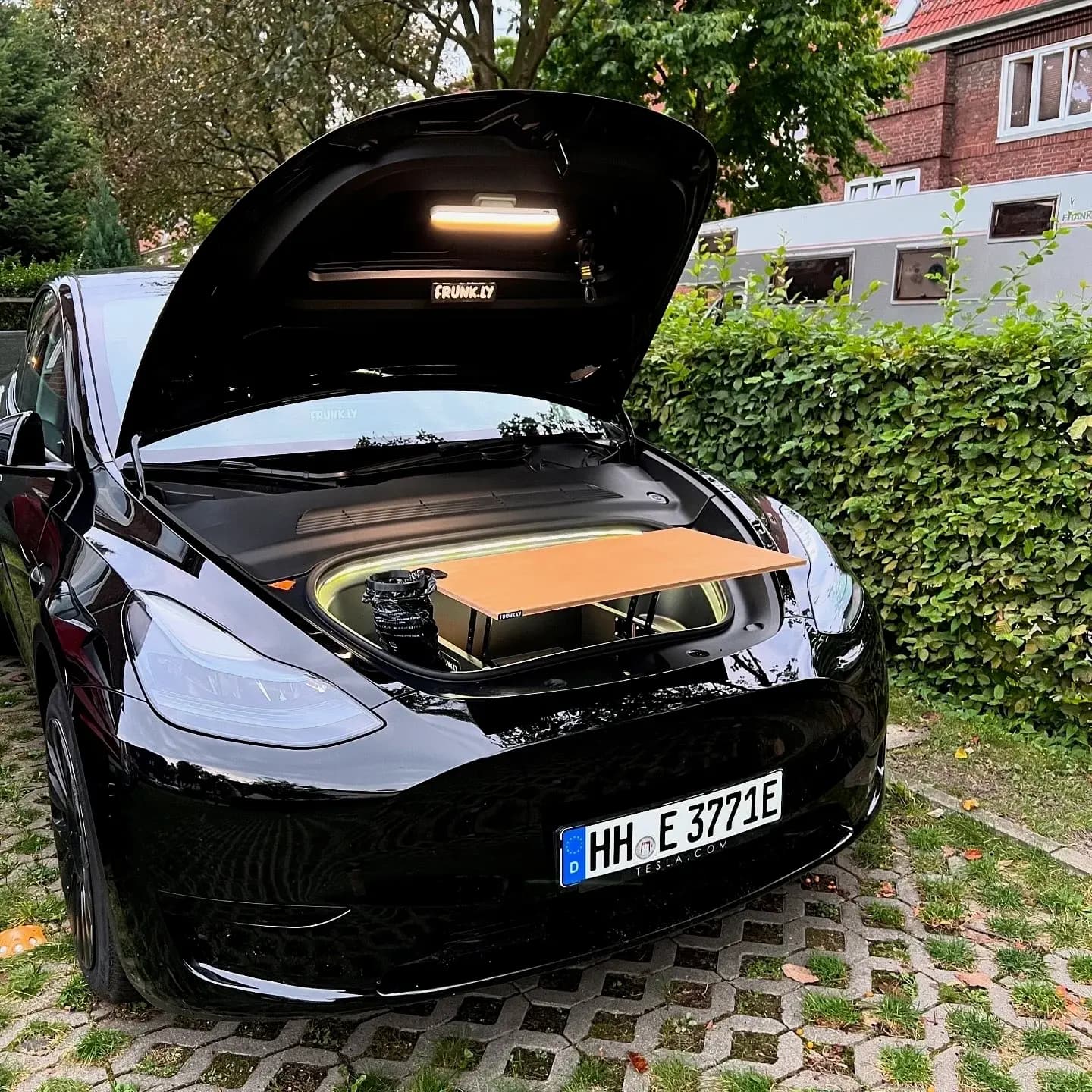
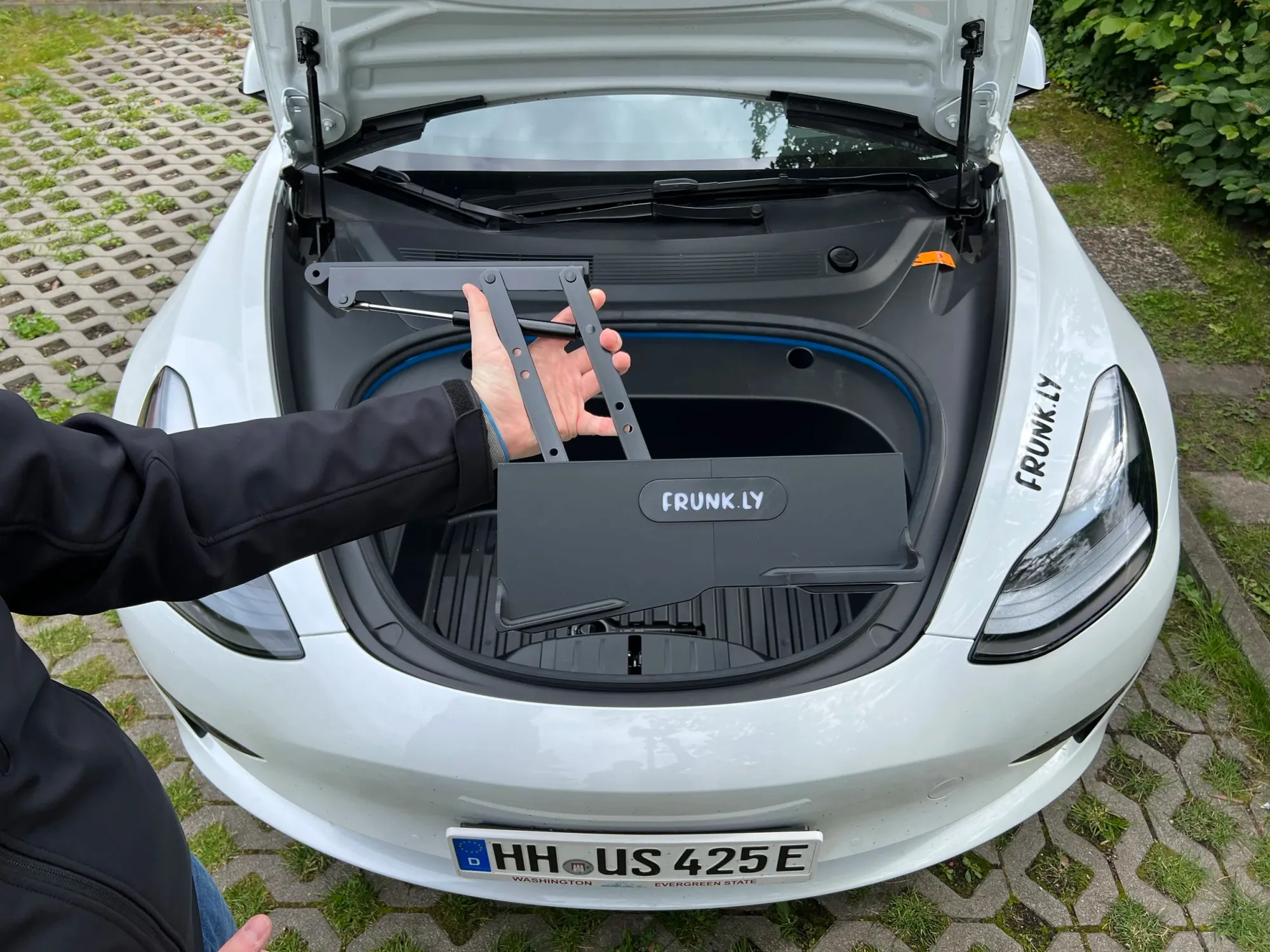
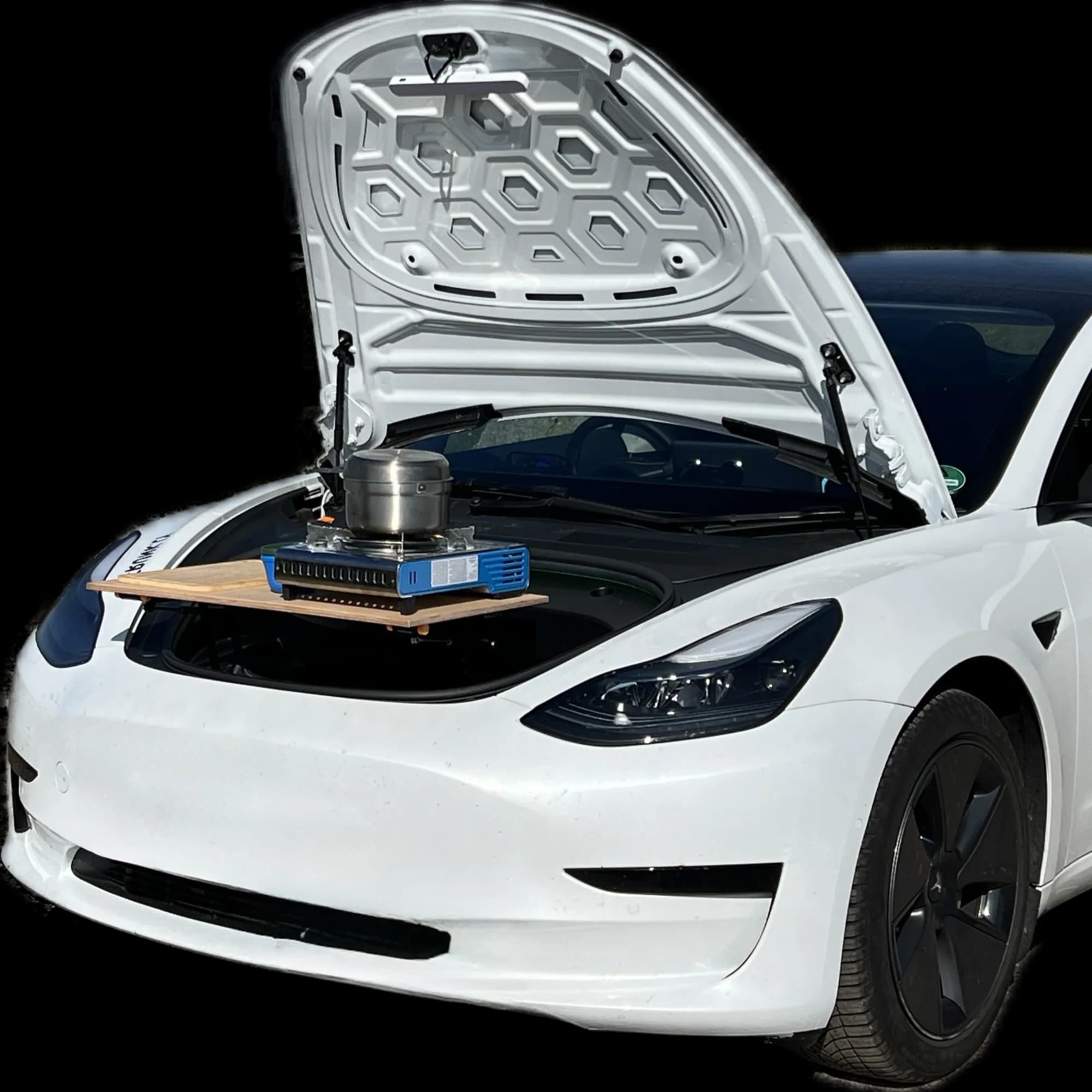
Setup: Park in shade if it's warm. Use your frunk as a standing desk alternative or set up a table nearby. The car provides backup power, AC if needed, and a secure place for your things.
2. Beach or Waterfront
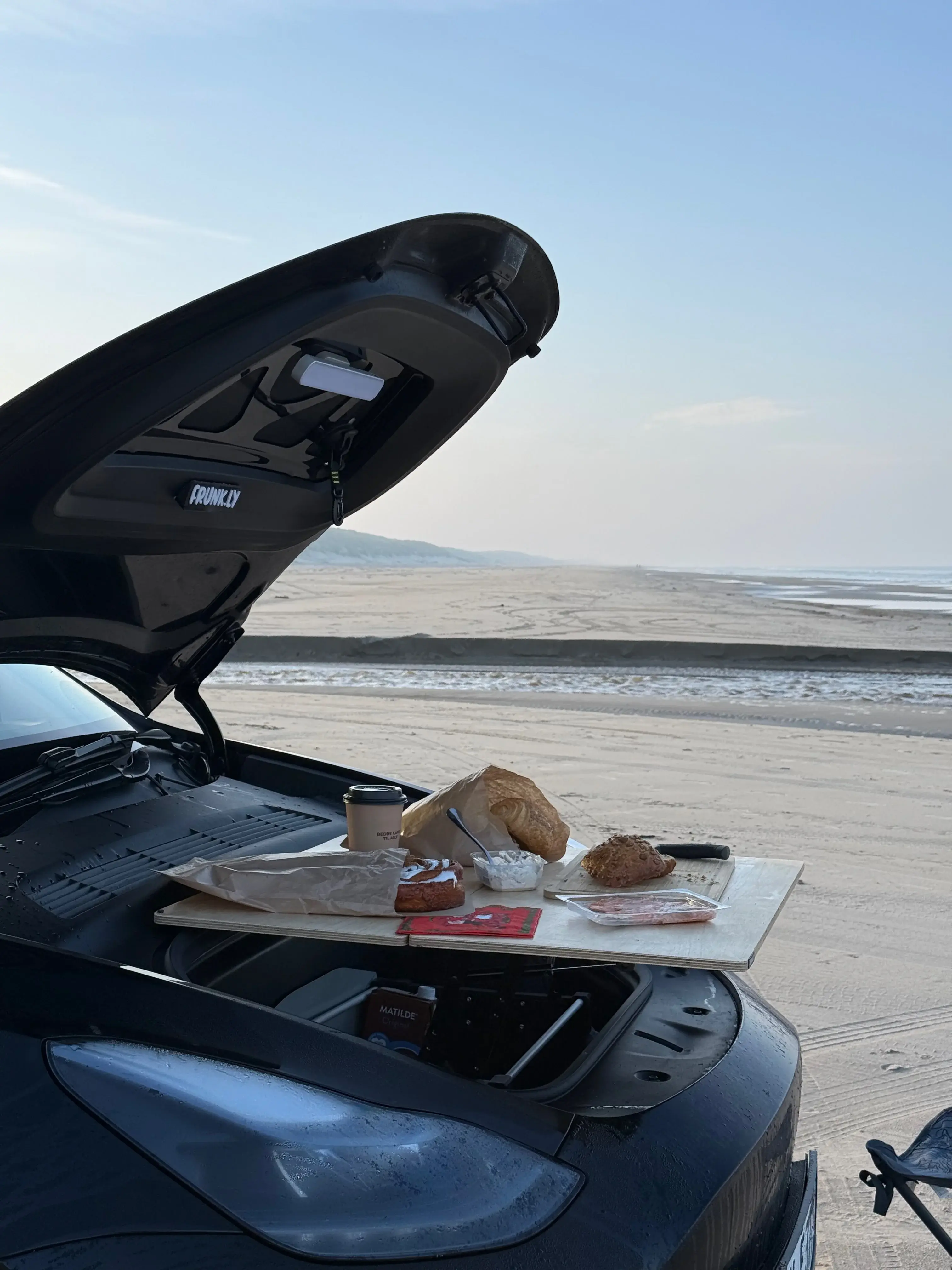
Coastal locations offer more than scenery. The sound of water is documented to improve concentration, and the horizon gives your eyes a break from screens.
What works well:
- Creative projects and brainstorming
- Calls where a calm background helps
- Tasks you've been procrastinating (new environment, new motivation)
Considerations: Watch for glare on your screen - a matte screen protector helps. Sand and laptops don't mix, so work from the car or use a table on solid ground.
3. Productive Charging Stop
Supercharger time is often seen as downtime. It doesn't have to be. With 20-30 minutes of enforced stopping, you can knock out tasks that don't fit into your regular schedule.
What works well:
- Email clearing (define as 'only charging time emails')
- Quick calls and check-ins
- Admin tasks you keep postponing
- Expense reports (seriously, just get them done)
Setup: Climate control keeps you comfortable. Hotspot from your phone or Superchargers at cafes offer WiFi.
4. Event or Meeting Adjacent
Before a meeting, after a client visit, between appointments - these gaps often get wasted. Your car gives you a private space to prepare, follow up, or decompress.
What works well:
- Pre-meeting preparation and review
- Post-meeting notes while fresh
- Quick follow-up emails
- Decompression after intense meetings
Why it beats cafes: Privacy for sensitive calls, quiet for focus, no need to buy something to justify your table, climate-controlled regardless of weather.
5. The 'Third Place' Alternative
Cafes get crowded and expensive. Coworking has its limitations. Your car offers on-demand workspace without the monthly fee or the pressure to order another coffee.
What works well:
- Any task that benefits from focus without interruption
- Confidential work you can't do in public spaces
- Early morning starts (your car is always 'open')
- Late finishes when everything else is closed
The Frunk Table Difference
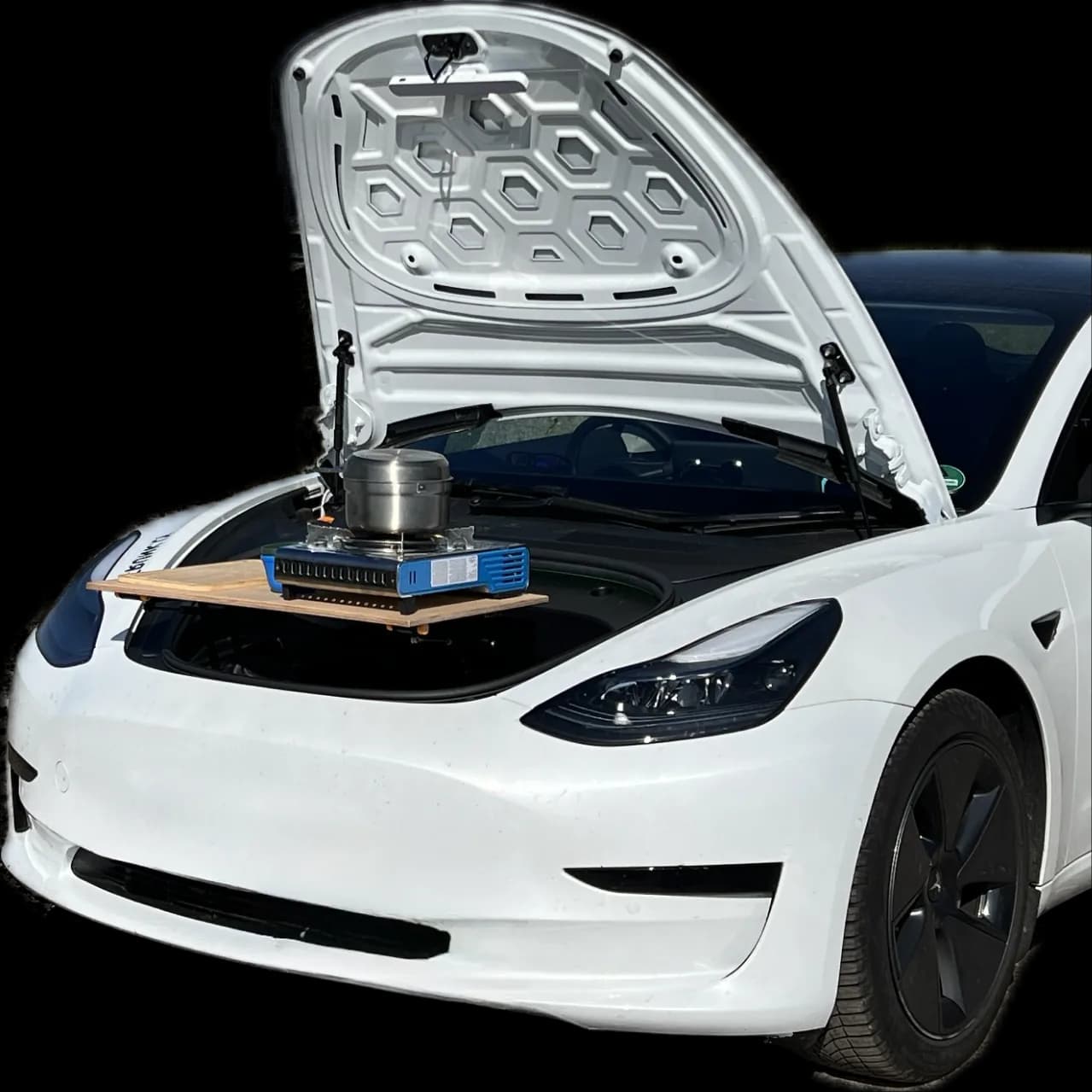
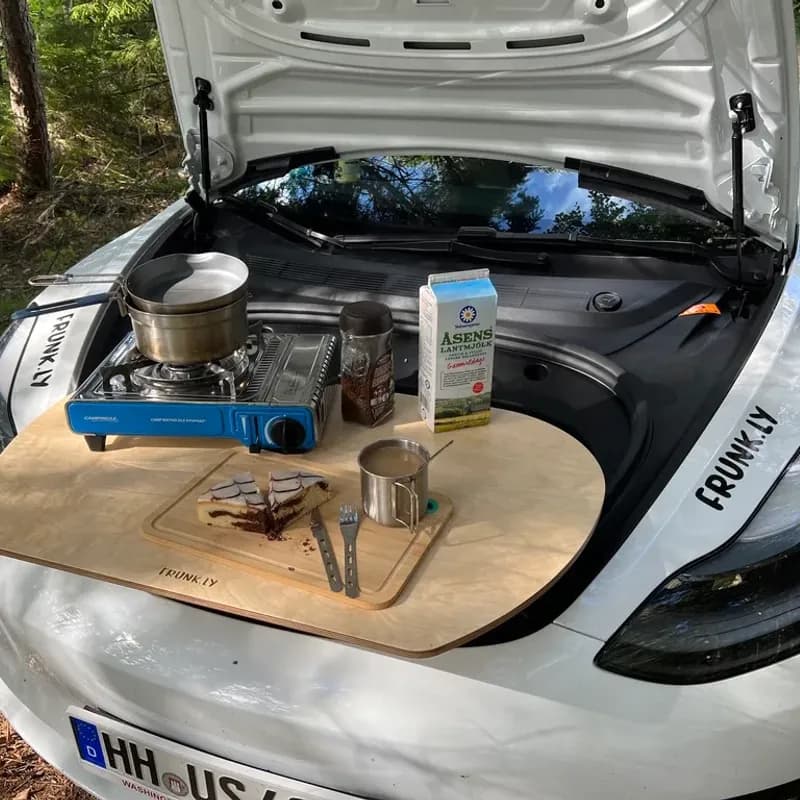
Working from inside the car works for short sessions, but a proper table transforms the experience. Set up outside on nice days with your laptop on a stable surface, coffee within reach, and space to spread out. It's the outdoor office without the cafe noise.
Your office can be wherever you park
What You Can Realistically Accomplish
Let's be honest about limitations:
Works great:
- Email and communication
- Writing and documentation
- Video calls (good camera angle from car or outside)
- Research and reading
- Creative thinking and planning
- Code review and light development
Challenging:
- Multi-monitor workflows (you're limited to laptop + maybe tablet)
- Activities requiring extensive reference materials
- Very long sessions (ergonomics matter)
- High-bandwidth video conferencing if on mobile data
Setting Up Your Mobile Office
Power:
- USB-C ports in the car handle most laptop charging
- For longer sessions, a portable power station gives peace of mind
- Keep car plugged in overnight and you'll rarely worry about power draw from work sessions
Connectivity:
- Phone hotspot is usually sufficient
- Premium connectivity provides mobile data for the car (no WiFi hotspot for other devices)
- Download what you need offline before heading to low-coverage areas
Comfort:
- Window shades: reduce glare and keep temperature stable
- Small cushion or lumbar support for longer sessions
- Laptop stand or external keyboard to improve typing position
- Keep water and snacks accessible (dehydration kills focus)
Energy Considerations
Working from your car uses power, but probably less than you think:
- Climate control: 1-2kW depending on intensity
- Laptop charging: 50-100W typically
- USB devices: Minimal
For a 4-hour work session with moderate climate control, expect to use roughly 5-10% of a Long Range battery. Park in shade on hot days or sun on cold days to minimize climate load.
If you're parked and working rather than driving, consider whether you could plug in at a nearby destination charger - many are free and let you work without watching your battery percentage.
Schedule for Energy
Work sessions that align with Supercharger stops are free energy - you're charging anyway. Planning a morning of remote work? Check if there's a hotel or restaurant destination charger where you could plug in for free while working nearby.
Related Posts
Ready for Your Next Adventure?
Your Tesla can do more. With Frunkly, transform your frunk into a practical workspace in seconds.