Heat and Range: What Your Tesla Actually Uses at 35 Degrees
Dog days, traffic jams, fast charging: keeping your Tesla cool when it counts
The dog days are back. When the thermometer pushes past 35 degrees Celsius, the asphalt shimmers and the city turns into a sauna, every Tesla driver asks the same question: how much range does this heat actually cost me? And what can I do about it without stressing the battery?
The short answer: more than you think, but less than the horror stories online would have you believe. We have combed through current data from ADAC, InsideEVs and t3n and boiled it down to the essentials. By the end you will know when to charge, where to park and which five moves genuinely help when the sun is relentless.
How much range heat really costs
Cold is the well known nemesis of any EV. What many people underestimate is that heat takes a serious bite out of range too. Current comparative tests show modern EVs losing between 15 and 25 percent of their range at temperatures above 35 degrees Celsius. The culprits are not just the air conditioning but also the battery's active thermal management, which has to keep cells below their critical threshold.
The Tesla Model Y proved relatively robust in the comparison group and tended to sit at the lower end of that range. That is still noticeable, but clearly better than several competitors that drift toward the upper end of the loss range in extreme heat. Tesla benefits here from a mature heat pump and the Octovalve system that intelligently redistributes waste heat.
ADAC put a stronger focus on heat testing in its EV lab in 2026, including fast charging at simulated summer temperatures. The findings match what Tesla owners have been saying for a while: knowing a few tricks makes the hot season significantly easier.
Five things that genuinely help
Park in the shade, every time
Sounds obvious, but it is the single biggest lever. A car body in direct sun heats up to over 60 degrees in minutes, and the battery then has to fight against all that stored heat. An underground garage, trees or even a sun sail save more energy than any app setting.
Precondition before you drive
Start the AC ten minutes before departure via the Tesla app while the car is still plugged in. You cool the cabin with grid power instead of battery energy and barely have to compensate once you start driving.
Use the AC smartly
Do not blast it down to 18 degrees. Set it to 22 or 23 and switch to recirculation once the cabin is cool. Every additional degree of cooling costs measurable range without actually feeling cooler.
Water on board, always
Sounds like camping advice, but it is serious. If the AC fails in a jam or you are stuck on a motorway, you will hit your limits before the battery hits its own. A few liters of water in the frunk are a summer essential.
Activate Cabin Overheat Protection
Tesla offers a function that automatically ventilates or cools the cabin when the temperature crosses a threshold. It runs as long as the battery is above 20 percent and protects electronics, leather and, most importantly, dogs or kids from dangerous heat.
AC in a traffic jam: the numbers
Stop and go at 36 degrees is the toughest stress test for battery and AC. The good news first: while you are stuck, your Tesla burns no energy on actually moving. The AC, however, runs hard because the sun is hammering through the panoramic roof and there is no airflow.
The numbers from recent measurements are surprisingly gentle: a fully running AC pulls roughly two percent of battery per hour while stationary, which translates to about eight kilometers of range. So even two hours of full closure on a motorway only cost you around 16 kilometers. That is less than many fear and significantly less than an idling combustion car would burn.
Still important: if you roll into a jam with under 20 percent left, be careful. Below that threshold several protective functions disengage, and the reserve melts faster than you would like.
Preconditioning is the most underrated trick
If you plan to fast charge in the heat, set your destination in Tesla navigation or manually activate battery conditioning. The car cools the pack to the ideal charging temperature before you arrive at the Supercharger. Current data shows this preparation saves 5 to 7 percent of energy during the charging process and keeps the charge curve high. You finish sooner and the battery thanks you in the long run.
Fast charging in the heat: what happens
High ambient temperatures plus high charging current create a mix that makes any battery management system sweat. When the pack gets too hot, Tesla automatically throttles the charging rate to protect the cells. The promised 250 kW quickly turn into 150 or even 100 kW, and your lunch break at the Supercharger drags on.
Your Tesla's thermal management works against this constantly in summer. While you charge, the system actively cools the battery, which costs energy that does not go into range. This is exactly where preconditioning helps: by bringing the pack to the right temperature while driving, you start the charging session in an optimal window and throttling kicks in later or not at all.
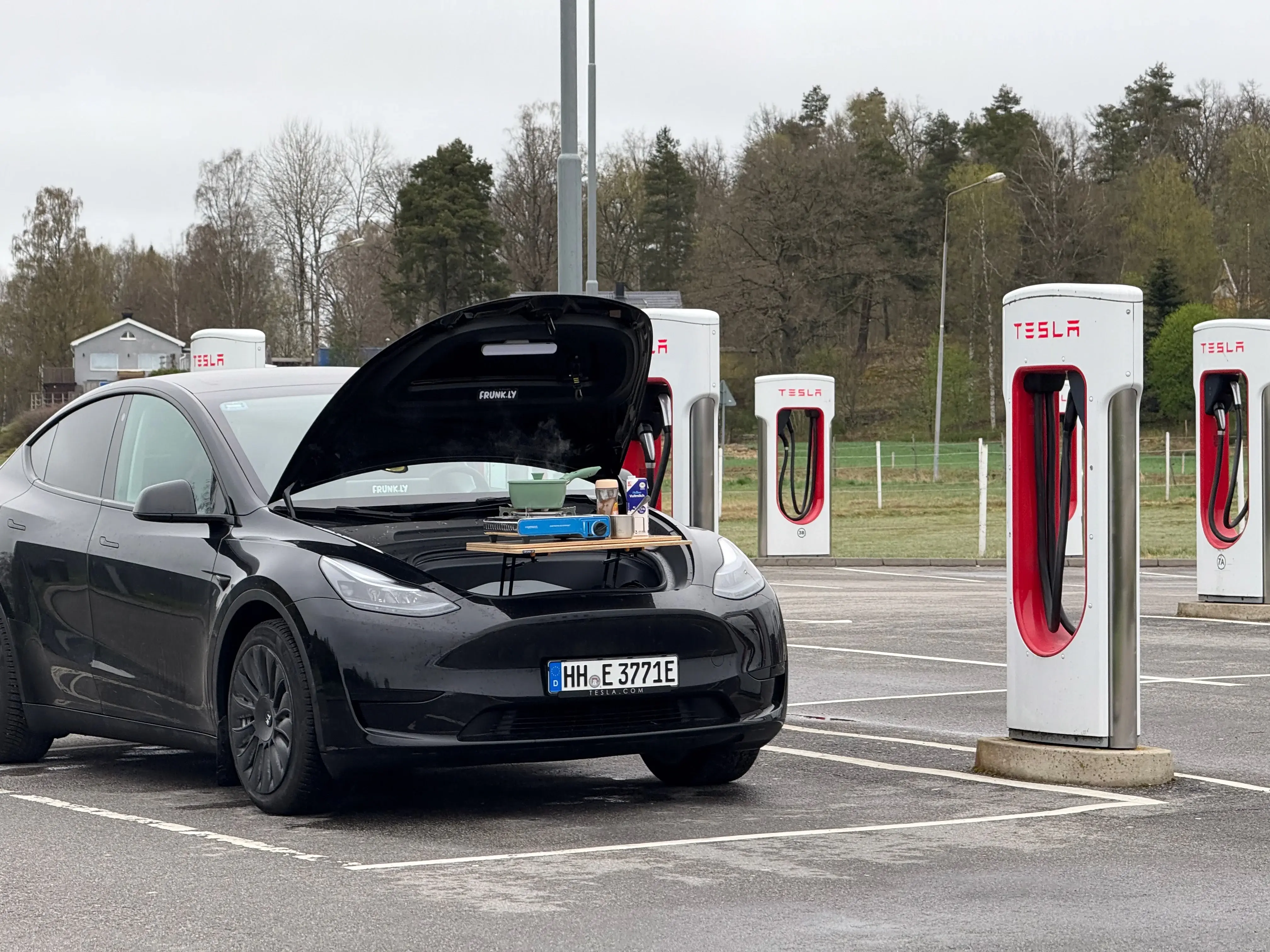
One more tip: on hot days, deliberately look for Superchargers in the shade or under solar canopies. Many newer sites in southern Germany and along main routes are now covered. Once you have spent 30 minutes baking on a black asphalt lot, you will actively hunt for alternatives next time.
What does not belong in the car
Heat is not just a battery story. The interior of a parked Tesla can easily reach 60 to 70 degrees on a 35 degree day, even with Cabin Overheat Protection on. Some things simply do not belong in the car during summer.
Chocolate and anything cocoa based melts and ruins both the snack and your seats. Aerosol cans, whether deodorant, spray sunscreen or insect repellent, can burst or explode in heat. Medications often lose their effectiveness above 25 degrees, which is especially true for insulin and similar temperature sensitive products.
Electronics deserve their own chapter. Smartphones, power banks and laptops hate prolonged heat. Lithium ion cells degrade noticeably faster under sustained thermal stress, and in the worst case battery packs swell up. Leave your laptop in the car at a Supercharger in the sun for an hour and you may walk back to a brand new paperweight.
And of course: no animals, no children in a parked car. Cabin Overheat Protection is a safety net, not a substitute for common sense. It switches off as soon as the battery drops below 20 percent, and on a long summer day that can happen sooner than you think.
Bottom line
Heat costs range, but it is no reason to panic. Expect 15 to 25 percent loss on extreme days, with the Model Y sitting toward the lower end of the scale. Park in the shade, precondition wisely and avoid frying in the sun at the Supercharger, and you will glide through summer. And if you are charging for half an hour anyway, make the most of it outside, with a coffee and a cool head.
Sources: journee-mondiale.com (2026), insideevs.de (2026), presse.adac.de (2026), t3n.de (2026)

Related Posts
Ready for Your Next Adventure?
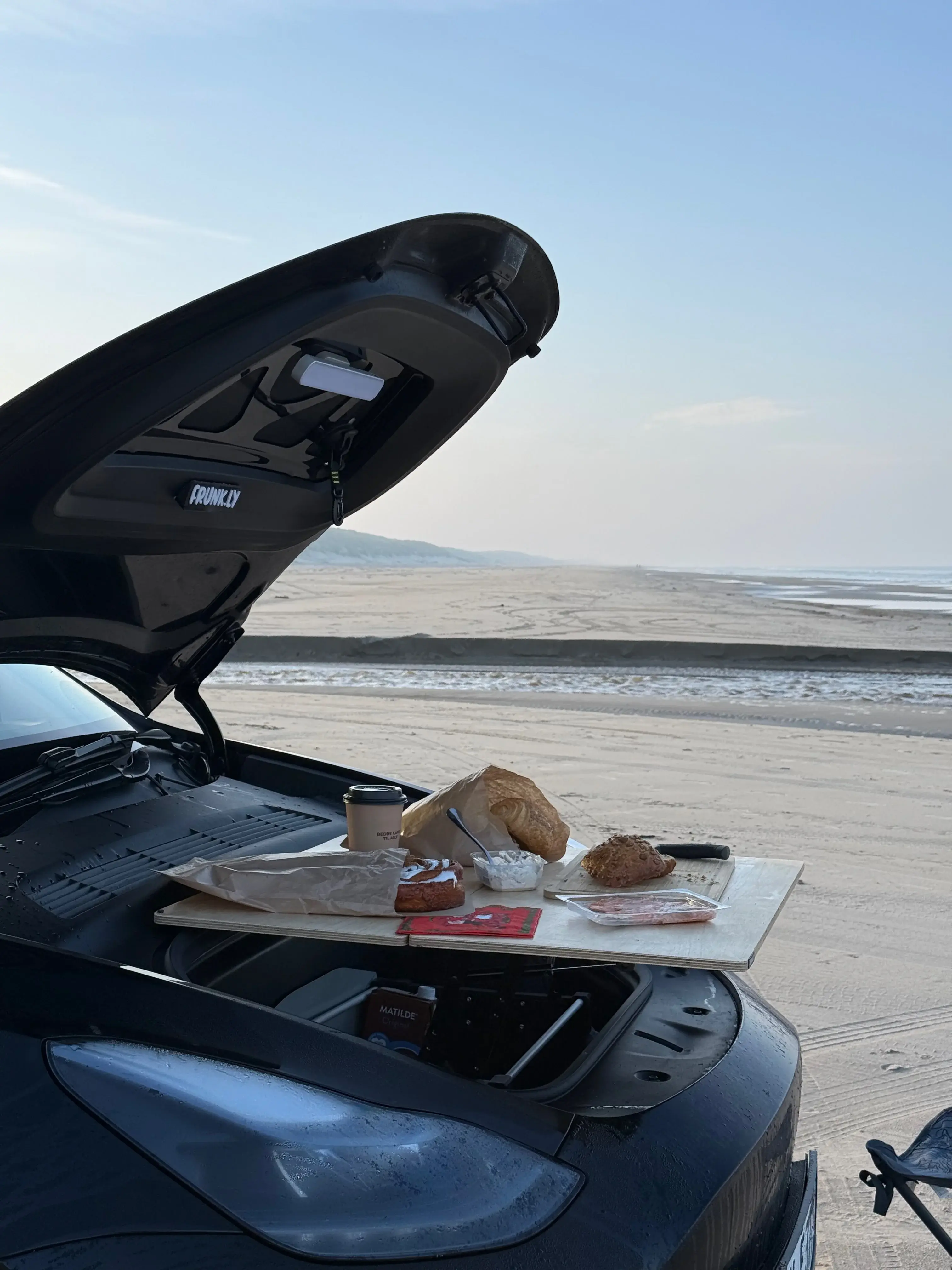
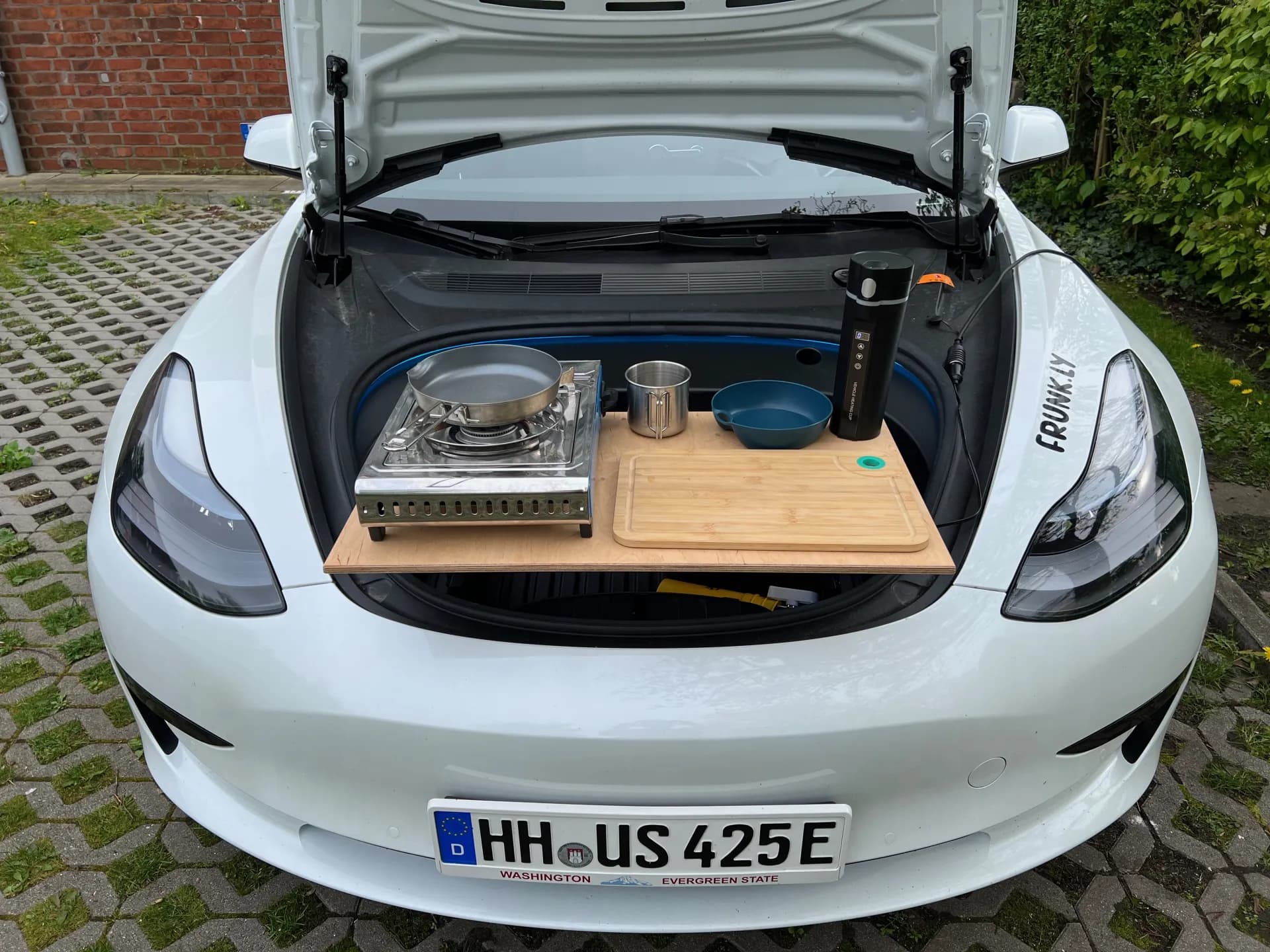
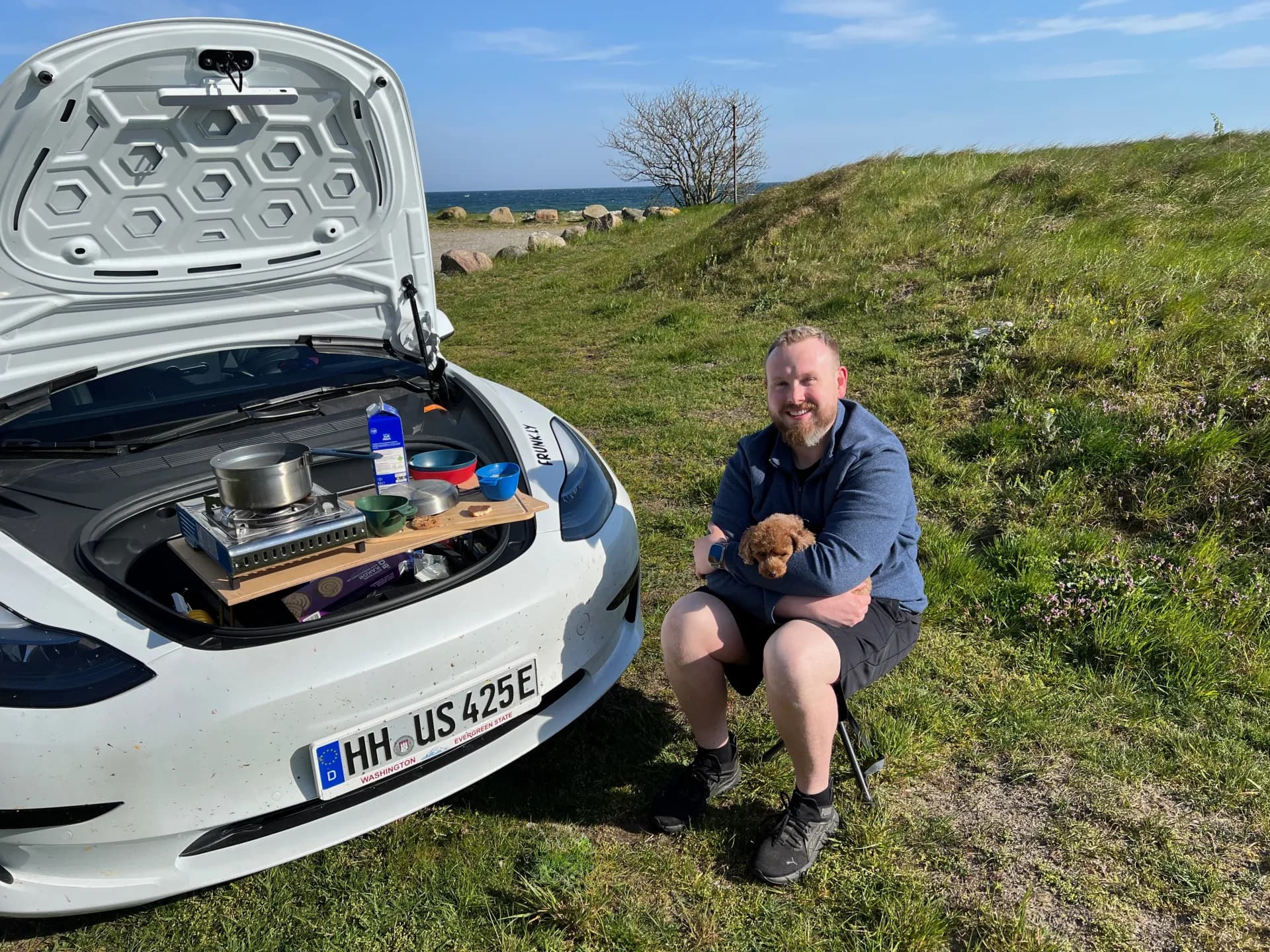
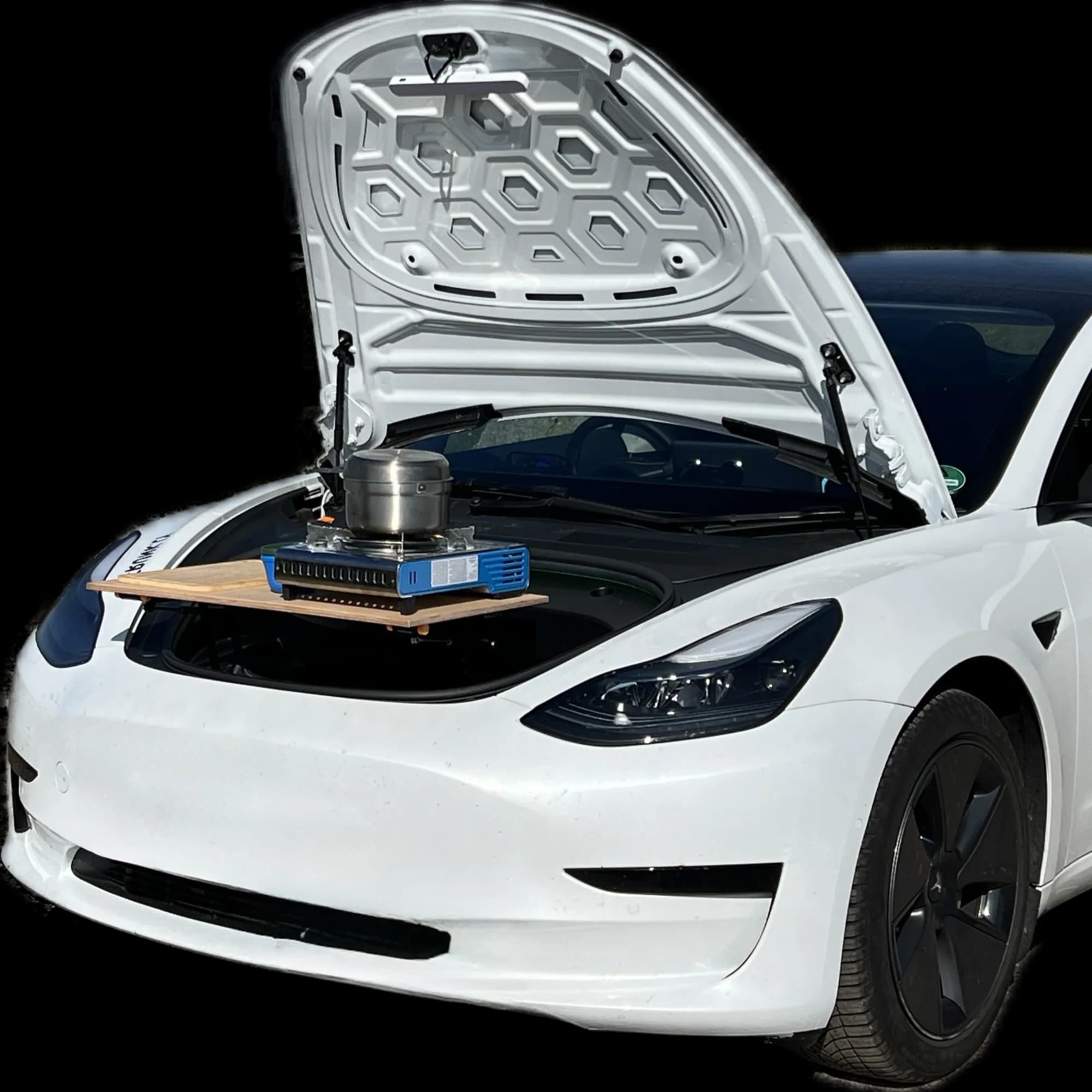
Your Tesla can do more. With Frunkly, transform your frunk into a practical workspace in seconds.